Is it safe to link your bank to a budgeting app?
Updated · Fam108 team
Linking a bank is how most budget apps fill themselves in. It is not reckless, and it is not free of trade-offs either. Here is what actually happens when you link an account, what the app and the companies in between receive, and how to take that access back. We make an app that does not connect to banks, so we have tried to keep this even-handed and to link our sources.
Free forever for two · No card · 14 days of Plus included
What happens when you link an account
There are two common routes. Under open banking, as in the UK, you are sent to your own bank to approve access, and the app never sees your password: the UK’s Open Banking site says you will never be asked to give your bank login details or password to anyone other than your own bank (openbanking.org.uk). Elsewhere, many apps use an aggregator such as Plaid, where you verify that you own the account with its username and password (plaid.com). Either way, the app then receives data from the accounts you chose.
What the app receives
- Data from the accounts you approve, such as balances and transaction history, for as long as access lasts.
- Under UK open banking, only firms regulated by the FCA or a European equivalent can take part, and you choose for how long they have access.
- Reading account data and making payments are separate services under open banking rules; a budgeting app needs only the first.
Example: taking access back
Say you linked a current account to an app last year and have stopped using it. Under UK open banking there are two ways to stop the access: withdraw your consent in the app or website itself, or contact your bank and tell it you no longer want that firm to have access (Open Banking).
If the connection went through Plaid, its Plaid Portal lets you view the data types you have shared through Plaid and control ongoing access (Plaid). Deleting the app from your phone is not the same as withdrawing consent, so do one of the above as well.
The real risks, without the drama
The risk is less about a thief and more about how many places your data lives: the app, the aggregator, sometimes their providers. Each keeps a copy under its own privacy policy, and each is one more company to trust with your transaction history. Regulated open banking narrows that: the app never holds your bank password, and access lasts only as long as you allow. Some apps say so plainly; Wallet, for example, writes that its connections use open banking protocols, so your direct login details are never stored (budgetbakers.com). Where an aggregator asks for your bank username and password, read how it stores them and how you revoke access before you link.
Questions to ask before you link
Is the app, or the company it uses to read your data, regulated for that where you live? In the UK, the Open Banking Directory lists the firms that may take part; in the EU, these firms are authorised account information service providers.
Does it send you to your bank to approve, or ask for your bank password? What does it say about storing your data and deleting it? How do you revoke access, both in the app and at your bank?
And do you need the feed at all? If what you want is one budget the two of you look at together, entering expenses by hand may be enough. That is the approach described in budget apps without a bank connection.
Where Fam108 stands
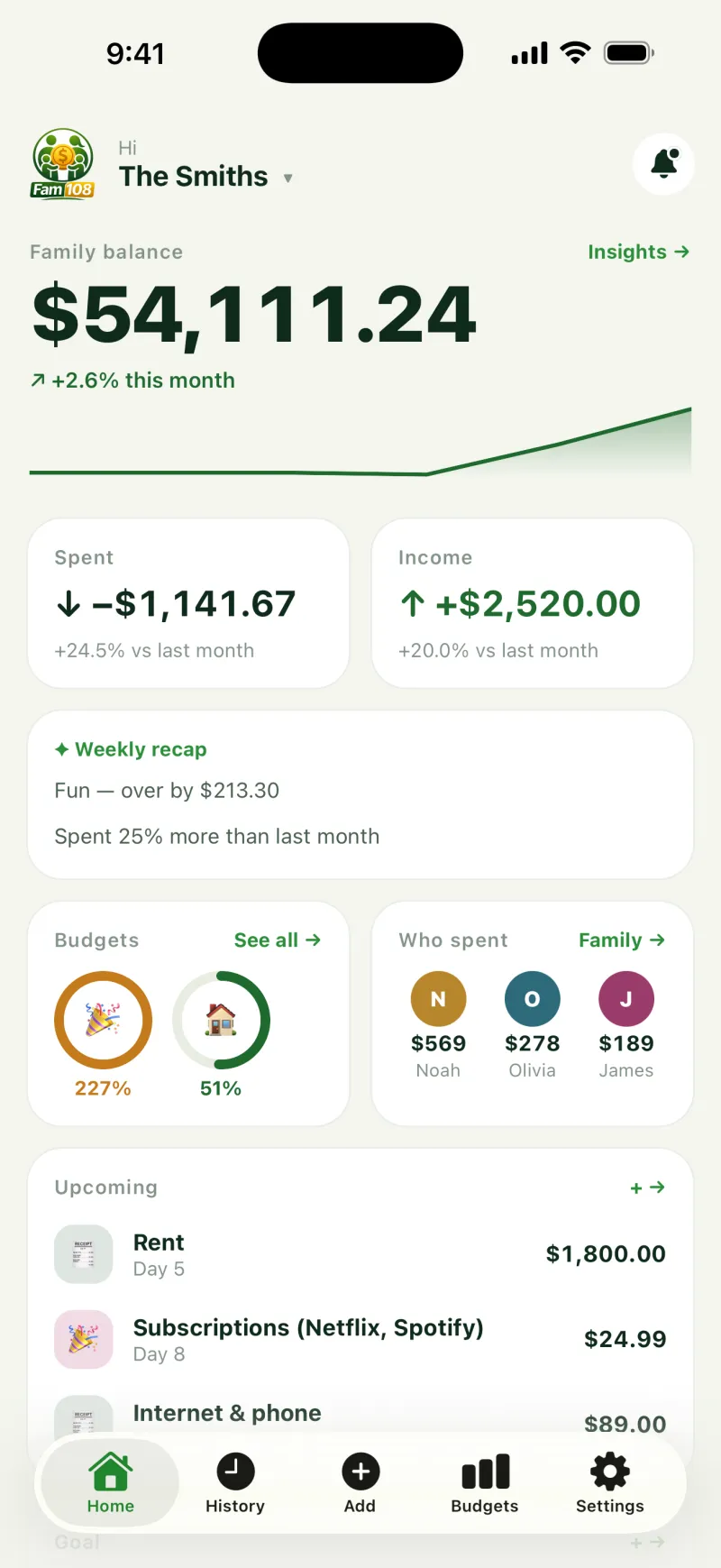
Fam108 never connects to a bank, so none of the above applies to it: there is no bank login, no aggregator and nothing to revoke at your bank. The cost is that every expense is entered by hand. Your entries live on your phone and, with sync on, on our sync server, without end-to-end encryption. If you would rather link a bank, our comparison of budget apps shows which apps do; if you mostly want one budget for the two of you, see a budget for couples and the family expense tracker.
What this page is not
It is not legal or security advice for your bank or your country. Rules differ: the UK, the EU, Ukraine and the US each handle access to bank data in their own way. Check the sources linked here and your bank’s own pages for the rules that apply to you.
Linking your bank: questions and answers
Do budgeting apps see my bank password?
Under open banking, no: you approve access at your own bank. Some aggregators ask for your bank username and password to verify the account; read how they store and protect them before you agree.
Can a budgeting app move my money?
Reading account data and initiating payments are separate services under open banking rules, and a budgeting app needs only the first. Check what a specific app asks for before you approve.
How do I revoke access?
In the app or website you gave access to, or through your bank. If the link went through Plaid, Plaid Portal shows and controls what you have shared.
Is my data encrypted?
Providers describe this on their sites; Plaid, for example, says it uses AES-256 and TLS. Ask any app the same question about its own storage. Fam108 sends data over HTTPS; on our sync server entries are not end-to-end encrypted.
Is entering expenses by hand safer?
It shares less: no bank login and no transaction feed. It takes effort, and the app still stores what you type.
Does Fam108 connect to banks?
No, never. Every expense is entered by hand, which takes about three taps.