Shared household expenses on two phones, always in sync
One of you buys the groceries, the other pays the rent, and both phones show the same budget a moment later. Fam108 syncs between iPhone, Android and the web, merges edits field by field and keeps working on the phone when you are offline.
Free forever for two · No card · 14 days of Plus included
How two phones share one budget
Every phone keeps its own copy of the family’s data and sends its changes to the sync server, which passes them on to the other devices. That is why the app opens straight away and works without a connection; when the connection is back, the changes from both sides meet and are merged. Sync and invites are free on every plan, including the free one. You do not have to press anything: while the app is open and online, it syncs on its own.
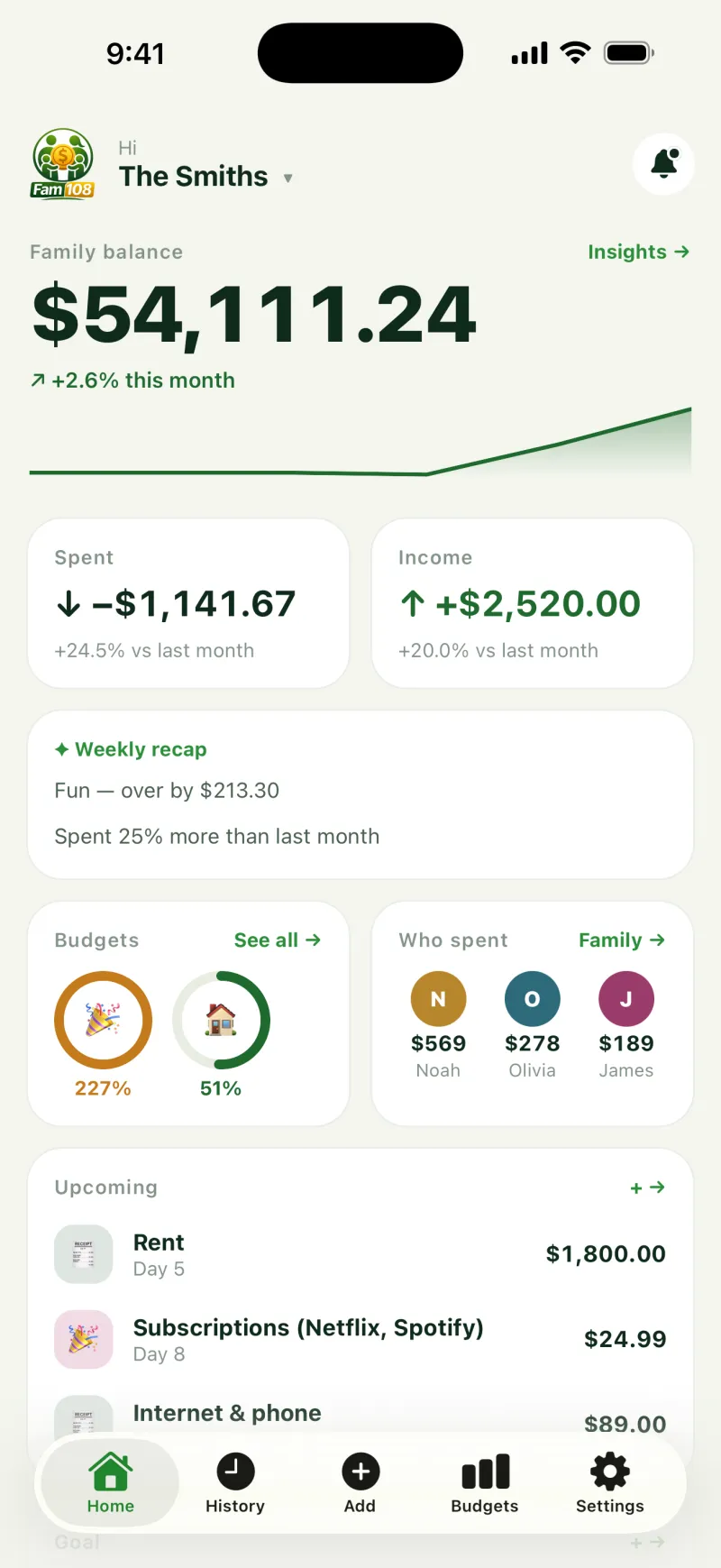
Setting it up
- One of you creates the family; the other joins with an invite code, a link or a QR code, and the code can be revoked in one tap.
- Each person uses their own phone: there is no shared login and no password to hand over.
- Each member gets a role, owner, adult or child, and a child sees only their own expenses.
Example: a Saturday at the market
Olga pays $42.80 for groceries in a market hall with no signal and adds the expense on her phone anyway. Meanwhile, at home, Max notices that last week’s utility bill went in as $118 instead of $181 and corrects it.
When Olga’s phone is back online, her new expense goes up and Max’s correction comes down. Had they both touched the same expense, with Olga fixing the amount and Max adding a note, both changes would have stayed; only when two people change the very same field does the later edit win. Neither of them had to do anything for this: the merge happens on its own.
Who sees what
Adults see the family’s budget and every shared expense; a child sees only their own. Anyone can mark an expense as private so that no one else in the family sees it, and on Plus a whole account can be private. Spaces have their own visibility too: a trip or a project can be shared with the whole family or only with the people invited to it.
When something looks wrong
Each expense records who paid and from which account, so “who entered this?” has its answer on the expense itself. On Plus, comments keep the discussion attached to the expense instead of lost in a chat.
Deleting works like adding: delete an expense on one phone and it disappears from the other after the next sync, so you never end up with two versions of the month. The same goes for budgets, categories and accounts: whatever one phone changes, the other picks up.
Sync needs a connection only to exchange changes. In the phone apps you can keep adding expenses on a plane or in a basement; they wait on the phone and go out the next time it is online.
What it costs
Sync and invites are free on every plan. The free plan covers two members, one space and three accounts, with no ads and no cap on expenses. Plus ($3.99 a month or $29.99 a year) allows up to six members, more spaces and accounts, private accounts, comments and receipt photos. 14 days of Plus start by themselves when your family turns on sync, once per account, with no card.
What it does not do
There is no end-to-end encryption: the sync server can technically read the family’s data, which is why it collects nothing beyond what sync needs and why you can point the app at a server of your own. Fam108 does not connect to banks and does not split bills: it keeps one budget in sync, not a ledger of who owes whom.
Two phones in sync: questions and answers
Do we both need the same kind of phone?
No. iPhone, Android and the web are the same app and sync with each other, so a mixed household works exactly like a matching one.
What happens if we both edit the same expense?
Fam108 merges changes field by field. If one of you changes the amount and the other the category, both changes stay. If you both change the very same field, the later edit wins.
Does it work offline?
In the phone apps, yes: expenses you add without a connection are stored on the phone and sync the next time it is online.
How do I invite my partner?
On the Family screen, share the invite code, the link or the QR code. Your partner opens it on their phone and joins the same family. You can revoke the code in one tap and get a new one. The invite link leads to fam108.com/join, so it opens even on a phone without the app.
Is sync really free?
Yes, on every plan, including the free one. The free plan is limited to two members, not to working together.
Where is our data stored?
On each device and, with sync on, on our sync server, or on your own if you set one. It travels over HTTPS and is not end-to-end encrypted. You can export everything to CSV at any time.